

Use website DNI, connect call reports to Google Ads and your Google Business Profile, then tie calls to booked jobs. City Web Company can handle setup.
Step by Step Google Ads Setup for Local Lead Generation
Most American service businesses miss out on high-quality leads by not using Google Ads to their full potential. With over 90 percent of consumers starting their search for home services online, capturing attention in the right moment can make or break your growth. Whether you run an HVAC operation or a local plumbing company, understanding each step of Google Ads setup turns advertising dollars into steady customer inquiries and measurable business results.
Table of Contents
Table of Contents
- Step 1: Assess Marketing Goals And Choose Your Campaign Type
- Step 2: Create Your Google Ads Account And Set Up Billing
- Step 3: Define Audience Targeting And Select Service Areas
- Step 4: Craft Compelling Ad Copy And Choose Relevant Keywords
- Step 5: Configure Budget, Bidding Strategy, And Ad Extensions
- Step 6: Test Campaign Settings And Monitor Initial Results
Quick Summary
| Key Point | Explanation |
|---|---|
| 1. Define Clear Marketing Goals | Set specific objectives for your campaigns; identify what leads are most valuable for your business. |
| 2. Choose Appropriate Campaign Type | Select the right Google Ads campaign based on your goals; search campaigns are often most effective for local services. |
| 3. Utilize Precise Audience Targeting | Focus on defining demographics and geolocation to reach potential customers in your service area. |
| 4. Craft Effective Ad Copy | Write compelling ads that address customer pain points and include targeted keywords for better relevance. |
| 5. Continuously Monitor and Adjust | Track campaign performance regularly; make necessary adjustments based on data to optimize lead generation. |
Step 1: Assess marketing goals and choose your campaign type
Successful Google Ads campaigns start with crystal clear marketing objectives. Your first task is strategically defining what you want to achieve for your local business advertising.
Begin by identifying specific lead generation goals that align with your business model. Are you seeking homeowner service inquiries for your HVAC company? Targeting residential plumbing repair requests? Aiming to book more consultations for your home service professionals? Each objective requires a tailored approach. Digital marketing goal assessment helps refine these critical early decisions.
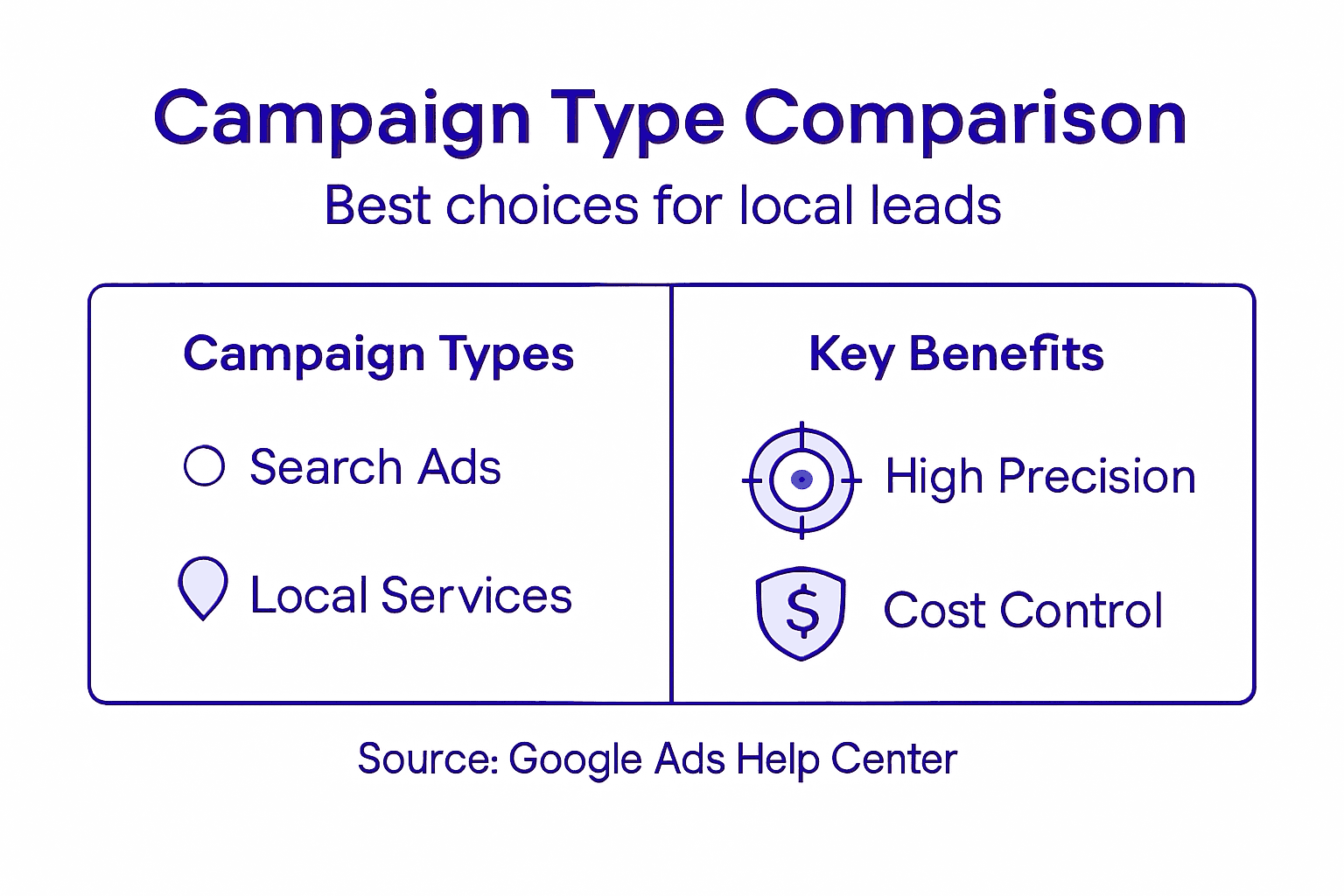
Google Ads offers multiple campaign types designed for different marketing purposes. For local lead generation, search campaigns typically work best. They display your ads directly when potential customers search for services you offer. Performance campaigns allow precise targeting based on search intent keywords specific to home services like “emergency plumber near me” or “HVAC repair technician”. Select campaign types matching your specific lead generation objectives rather than using a one size fits all strategy.
Here’s a summary comparing Google Ads campaign types relevant for local lead generation:
| Campaign Type | Targeting Precision | Ideal Use Case | Cost Control Level |
|---|---|---|---|
| Search Campaign | High (by keywords/location) | Home services, urgent needs | Flexible daily budgets |
| Performance Max | Automated across channels | Broad reach, testing new markets | Algorithm-controlled |
| Display Campaign | Moderate (audience based) | Brand awareness, retargeting | Flexible bidding |
| Local Services Ads | Very High (by service area) | Verified providers, direct leads | Pay per lead |
Pro Tip: Track your campaign performance metrics weekly and be prepared to adjust targeting and budget allocation based on actual lead conversion rates.
Step 2: Create your Google Ads account and set up billing
Launching your local business advertising strategy starts with establishing a Google Ads account and configuring your payment method. This foundational step ensures you can start running targeted advertisements for your service business quickly and efficiently.
To begin, you will need an existing Google account or create a new one specifically for your business advertising efforts. Navigate to the Google Ads website and select the option to create an account. Google Ads account setup provides comprehensive instructions for entering your business details and payment information. When setting up billing, you will have options between automatic payments where Google charges your selected payment method after ads run or manual payments where you prepay a specific amount into your advertising account.
Carefully review your billing country and currency settings to ensure accurate invoicing and payment processing. Google allows you to link multiple payment profiles and configure administrative permissions if you are managing ads for different business locations or service branches. Select a payment method that offers the most convenience and financial tracking for your specific business model.
Pro Tip: Consider using a dedicated business credit card for Google Ads billing to simplify expense tracking and potentially earn rewards on your advertising spend.
Step 3: Define audience targeting and select service areas
Successful local lead generation requires precise audience targeting that connects your service directly with potential customers who need your specific expertise. This step is about narrowing your advertising focus to reach the most relevant homeowners and businesses in your service region.
Start by defining your ideal customer demographics through detailed audience targeting. For home service businesses like HVAC or plumbing companies, this means selecting geographic locations within your actual service radius. Use Google Ads location targeting to set precise boundaries including specific cities, zip codes, or radius targeting around your business address. Consider factors like homeownership status, income levels, and property characteristics that align with customers most likely to need your services.


Google Ads allows you to layer multiple targeting criteria to create a highly specific audience segment. You can combine location targeting with demographic information and behavioral insights to ensure your ads reach homeowners most likely to convert. This might include targeting homeowners aged 35 to 65 within a 30mile radius who have shown interest in home improvement or maintenance services.
Pro Tip: Create separate ad campaigns for different service areas or customer segments to optimize your budget allocation and track performance more precisely.
Step 4: Craft compelling ad copy and choose relevant keywords
Creating high-performing Google Ads for local service businesses requires strategic copywriting that speaks directly to potential customers while incorporating precisely targeted keywords. Your ad copy is the critical bridge between customer search intent and your service offering.
Focus on developing compelling ad copy that highlights your unique service value. For home service businesses like HVAC or plumbing companies, this means creating headlines that immediately address customer pain points. Use action-oriented language that speaks to urgent needs such as “Emergency Plumber Available Now” or “24/7 HVAC Repair Fast Reliable Service”. Incorporate specific keywords that match potential customer search terms like “emergency home repair” or “urgent plumbing service” to improve ad relevance and quality scores.
Keyword selection demands precision and strategic thinking. Build keyword lists that include specific service descriptions, location terms, and intent driven phrases. For instance, a plumbing business might target keywords like “water heater replacement Austin” or “emergency pipe repair near me”. Consider using exact match and phrase match keyword types to control ad targeting more precisely and reduce wasted ad spend on irrelevant clicks.
Pro Tip: Rotate multiple ad variations to test different messaging approaches and continuously refine your most effective ad copy.
Step 5: Configure budget, bidding strategy, and ad extensions
Configuring your Google Ads financial strategy requires careful planning to maximize lead generation potential while maintaining cost effectiveness. This step determines how aggressively you will pursue potential customers and how much you are willing to invest in attracting new business.
Start by establishing a realistic daily or monthly budget that aligns with your business revenue goals. Google Ads budget strategies offer multiple approaches for controlling spend. For local service businesses, consider starting with a conservative daily budget of 20 to 50 dollars and adjusting based on initial performance. Select a bidding strategy that matches your primary objective such as maximize conversions for lead generation or target cost per acquisition if you want to control customer acquisition expenses.
Ad extensions provide additional opportunities to make your advertisements more informative and compelling. Include location extensions to showcase your service area, call extensions enabling direct phone contact, and sitelink extensions that direct potential customers to specific service pages. These extensions increase your ad real estate and provide multiple pathways for potential customers to engage with your business. Strategically chosen extensions can improve ad click through rates and overall campaign performance.
This table highlights key Google Ads ad extensions and their marketing value for local businesses:
| Extension Type | Main Function | Benefit for Local Service Businesses |
|---|---|---|
| Location Extension | Shows address and map | Builds trust, attracts nearby customers |
| Call Extension | Allows one-tap phone calls | Increases direct contact, quick response |
| Sitelink Extension | Links to service-specific pages | Improves navigation, highlights service variety |
| Callout Extension | Promotes unique offers | Draws attention to special promotions |
Pro Tip: Monitor your ad spend and conversion rates weekly and be prepared to make incremental adjustments to optimize your return on investment.
Step 6: Test campaign settings and monitor initial results
Successful Google Ads campaigns require continuous refinement and strategic testing to optimize performance and maximize lead generation potential. This phase is critical for understanding how your advertising strategy translates into real world results.
Campaign experiments provide a structured approach to testing different campaign variables safely. Create experiments that split test key elements like ad copy, targeting parameters, and bidding strategies. For local service businesses, consider testing variations such as different headline approaches or targeting radius adjustments. Allocate approximately 10 to 20 percent of your campaign traffic to experimental variations to gather statistically meaningful data without risking your entire advertising budget.
Monitoring performance requires tracking key metrics beyond simple click through rates. Focus on conversion rates measuring actual leads generated, cost per lead, and overall return on ad spend. Pay close attention to which keywords and ad variations generate the highest quality leads for your specific service business. Use Google Ads reporting tools to analyze performance granularly and identify opportunities for incremental improvements.
Pro Tip: Run experiments for at least two weeks to collect sufficient data before making definitive campaign adjustments.
Unlock the Full Potential of Your Local Google Ads Campaigns Today
Are you struggling to turn your carefully crafted Google Ads into consistent local leads? This step-by-step guide highlights common challenges like defining precise targeting, selecting winning keywords, and configuring budgets that truly deliver results for home service businesses and beyond. If you find yourself overwhelmed by campaign setup or unsure how to optimize your ads for maximum conversion, you are not alone.
At City Web Company, we specialize in transforming these complexities into clear, actionable marketing strategies that generate real leads and boost your revenue. Explore our proven PPC & Paid Ad Strategies to learn how expert campaign management can save you time and maximize your advertising budget.

Ready to amplify your local lead generation with personalized digital ad solutions designed for your unique service area and goals? Visit City Web Company to get started now. For deeper insights on optimizing your campaigns with data-driven decisions, check out our Analytics & Conversion Tracking Tips. Don’t wait until competitors capture your market. Take control of your growth today!
Frequently Asked Questions
What are the first steps to setting up Google Ads for local lead generation?
To set up Google Ads for local lead generation, start by assessing your marketing goals. Clearly define what you want to achieve, such as increasing inquiries for your HVAC services or booking consultations for plumbing repairs.
How do I create a Google Ads account and set up billing?
You can create a Google Ads account by visiting the Google Ads website and selecting the option to create an account. Follow the prompts to enter your business details and choose a payment method, ensuring that you review your billing country and currency settings carefully.
What audience targeting options should I use for local service ads?
For local service ads, focus on selecting precise geographic locations within your service area, such as specific cities or zip codes. Layer demographic data, like age and homeownership status, to accurately define your ideal customer segment.
How can I craft effective ad copy for my Google Ads?
To craft effective ad copy, highlight your unique service value and address customer pain points directly. Use action-oriented language paired with specific keywords that potential customers are likely to search for, such as “Emergency Plumber Available Now” or “24/7 HVAC Repair.”
What budget and bidding strategy should I use for my Google Ads campaign?
Set a realistic daily or monthly budget that aligns with your revenue goals, starting on the conservative side at $20 to $50 per day. Choose a bidding strategy like maximizing conversions to ensure you’re effectively investing in lead generation while controlling costs.
How do I monitor and optimize my Google Ads campaign?
Monitor your Google Ads campaign by tracking key metrics such as conversion rates and cost per lead. Regularly review these metrics and run experiments to test different variables; aim to make adjustments based on your findings within a two-week timeframe.
Recommended
- Law Firms Marketing Company | SEO & Lead Generation
- Pest Control Marketing Company | SEO & Lead Generation
- Community-Based Movers Explained: Why Local Roots Matter
These articles were popular with other readers too: