Use website DNI, connect call reports to Google Ads and your Google Business Profile, then tie calls to booked jobs. City Web Company can handle setup.
Google Business Profile Call Tracking: 3 Tools Local Owners Can Test
Google removed Business Profile call history on July 31, 2024. Third-party call tracking, Google Ads call reporting, and website dynamic number insertion (DNI) can help rebuild call attribution. If you still need old records, Google Takeout was the export route during the announced window. Here is how to rebuild your tracking so you can identify the source of more calls.
TL;DR:
- Google Takeout was available for past chat and call records only through August 30, 2024; check whether your account already has an export.
- Use a static tracking number in your profile’s primary phone field, keep your real number in the additional field, and install DNI on your website.
- Google Ads dates calls when they happen but dates conversions to the ad click, while calls below your duration threshold do not count as conversions.
- Make your CRM the source of truth by assigning each call a unique ID, aligning conversion windows, and reconciling monthly records across Ads and tracking tools.
Table of Contents
Table of Contents
- What Google changed and why your call logs look different
- Your call tracking options today
- How to set up tracking numbers in your profile and website
- How to read your call data and fix mismatches
- Agency workflow and handoff checklist
- Where to focus first
- How we help with call tracking, integration, and reporting
- FAQ
- Sources
What Google changed and why your call logs look different
Google’s support documentation says that as of July 31, 2024, the chat and call history features are no longer available in Business Profile. Customers can still reach you through Search and Maps, so your profile should carry a phone number. The practical fallout:
- You can no longer find customer call history inside your profile.
- The BUSINESS_CONVERSATIONS metric is gone from the Performance API, so any dashboard that pulled it has a hole in it.
- The call button now uses the phone number you supplied instead of a Google forwarding number, so calls still ring your phone.
- Past chat and call records could be downloaded through Google Takeout until August 30, 2024, so check your account for an existing export.
The lesson: Google no longer keeps this record for you. Attribution is now something you build yourself.
Your call tracking options today
Three tools do the work, and they stack rather than compete.
- Third-party call tracking. Dedicated software provisions unique forwarding numbers and connects to your CRM and ad platforms, reporting call source, duration, and conversion outcome.
- Google Ads call reporting. Google forwarding numbers are assigned to your ads, so you can see caller details and count qualifying calls as conversions. Those numbers belong to Google, can be reassigned, and cannot be used outside call reporting and website call conversion tracking.
- Website DNI. Dynamic number insertion swaps the number shown on your site based on the visitor’s channel, giving end-to-end attribution across search, social, and referral traffic. It is distinct from the static tracking number you place in your profile.
Expect the data fields to differ between providers, so confirm what each tool captures before you commit.
Pro Tip: Use a static tracking number for your profile and DNI on your website. Mixing them up can make attribution less reliable.
How to set up tracking numbers in your profile and website
- Pick your approach. Choose between a profile-only static tracking number, Ads forwarding numbers, or full third-party tracking with DNI. Full third-party tracking with DNI combines call tracking with website attribution.
- Provision local forwarding numbers. Test routing and caller ID before anything goes public.
- Update your profile. Enter the tracking number in the primary phone field and add your real business number in the additional phone field. This can help avoid disrupting your name, address, and phone (NAP) consistency across directories.
- Install the DNI script. Landing pages should show matching tracking numbers, and your CRM should store the number dialed and a call ID.
- Set duration thresholds. Google Ads counts a call as a conversion based on the duration you set, so align that rule with your tracking tool and your definition of a real lead.
- Run a test. Make calls from different devices, confirm CRM entries appear, and check that Ads reports calls when expected.
Pro Tip: Make test calls from a phone number your staff does not recognize, so you can confirm the CRM creates a fresh record rather than matching an existing contact.
How to read your call data and fix mismatches
Google Ads reports a phone call on the date it happens, but a phone call conversion lands on the date of the ad click. That alone makes weekly totals disagree. Calls under your duration threshold count as calls, not conversions.
Google Ads reports calls on the call date but conversions on the ad click date, so the same call can appear in two different periods.
Confirm which call details your third-party tracking tool captures and passes to your CRM. Common causes of mismatch:
- Customers dialing your real number directly instead of the tracked one.
- Forwarding numbers reassigned by Google.
- Different conversion windows across tools.
The fix is to make your CRM the source of truth. Give every call a unique ID and reconcile monthly against Ads and your tracking tool.
Agency workflow and handoff checklist
Whether you do this yourself or hire help, hold the work to this list. It mirrors how our team runs an install:
- Audit current phone usage and confirm whether a Takeout export of historical logs exists.
- Provision tracking numbers, set routing, and test caller ID and recordings.
- Implement DNI, map tracking fields into your CRM, and configure Ads conversion windows.
- Run QA with test calls, then train your staff to tag call outcomes such as booked, quote only, or wrong number.
- Deliver a monthly attribution report that reconciles Ads, tracking, and CRM.
We can help local businesses with this work. Contact us to discuss the scope and delivery.
Pro Tip: Ask for the call outcome tags in writing. Tracking that stops at “a call happened” cannot tell you which channel produces booked jobs.
Where to focus first
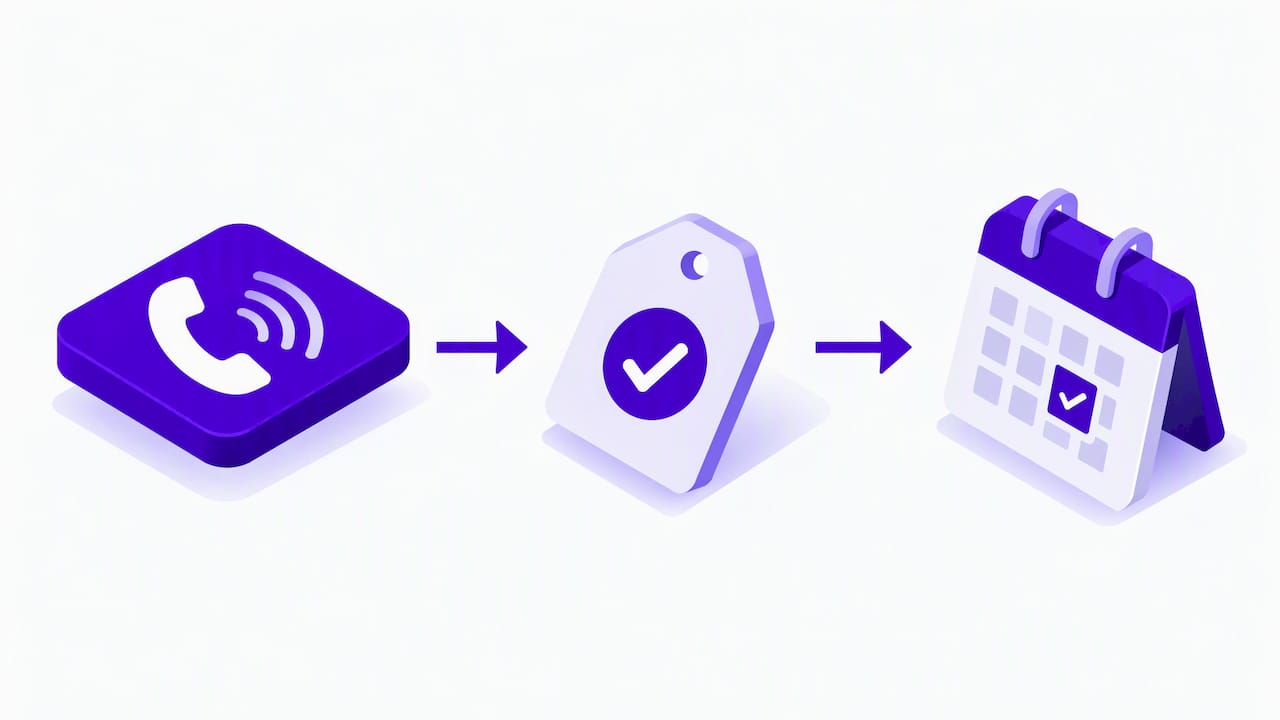
Start with a practical first step: provision a tracking number and test it, and keep your Takeout export if you have one. Then get DNI live, confirm your CRM mapping, and set Ads thresholds. Most owners underestimate the CRM step, and it is where attribution is won or lost.
— Matt
How we help with call tracking, integration, and reporting
If you would rather hand this off than debug it, we can discuss how we can help. Our Google Ads management and local SEO work pair naturally with call tracking, and we cover:
- Business Profile optimization and safe phone number changes.
- Google Ads call reporting and conversion setup.
- DNI installation on your website.
- CRM integration with unique call IDs.
- Monthly attribution reporting.
We can discuss an audit of your current phone numbers and where calls may be going untracked. Request an audit.


FAQ
Can a Google Voice call be traced?
Calls routed through a tracking number can be traced to a source, duration, and outcome inside your call tracking tool. Whether the caller’s number appears depends on your tracking setup and whether the caller blocks it.
How do I check that call tracking is working?
Place test calls to your profile number and a landing page number, then confirm each shows in your CRM and tracking dashboard. In Google Ads, call reporting shows start and end time, missed or received status, and area code.
Can I still see call history in my Business Profile?
No. Google removed chat and call history from Business Profile, so use a third-party tracking tool and your CRM instead.
Can I put a tracking number in my Business Profile?
Yes. Put the tracking number in the primary phone field and your real number in the additional phone field to keep your NAP consistent.
Sources
These articles were popular with other readers too: