
Pass Google Business verification with a video-first checklist. Film one continuous 30 second take, fix flagged issues, and know when to hire help.
The 12 Best CRM for Small Business Options: A Strategist’s Guide
Many business owners invest in generating leads through SEO and ads, only to see potential customers disappear. The common assumption is a failure in marketing. The actual issue is often simpler and more structural: there is no system to reliably capture, track, and convert every inquiry.
Leads from website forms, Google Business Profile messages, and calls end up in scattered inboxes or on notepads. This creates gaps where revenue is lost. This is not a failure of your marketing channels; it is a failure of process. Without a central system, you are spending money to fill a leaky bucket. A reliable Customer Relationship Management (CRM) platform plugs these leaks.
This analysis will help you find the best CRM for small business by focusing on practical application, not just feature lists. We will explore how specific tools solve real-world problems for service businesses, from lead capture and appointment scheduling to invoicing. It also provides the data needed for accurately measuring return on marketing investment, turning marketing from a cost into a predictable growth engine.
This guide moves beyond generic reviews to give you a clear assessment of the top CRM options. Each entry includes screenshots, direct links, and a breakdown of pros, cons, and ideal use cases to help you make an informed decision. Let's analyze the options not just by what they do, but by how they solve this core business problem.
Table of Contents
1. A System for Digital Marketing for Local Businesses That Delivers Predictable Growth
Many local businesses find themselves trapped in a cycle of disjointed marketing efforts. A new website, a few social media ads, and some SEO work all lead to unpredictable results and a leaky sales funnel. The core problem is not the individual tactics but the lack of a central system to capture, manage, and convert every opportunity. This is where an agency-implemented approach stands out as a strong candidate for the best crm for small business, especially for service-based industries.
City Web Company offers a purpose-built system that solves this fragmentation. Instead of selling a standalone CRM subscription, we implement and manage a complete digital marketing ecosystem centered around a powerful CRM. This service is designed to deliver a predictable pipeline of qualified leads by unifying every touchpoint, from website forms and Google Business Profile messages to paid ad inquiries, into a single, manageable dashboard.
Why It Stands Out
What distinguishes this solution is the "done-for-you" implementation and ongoing optimization. The agency handles the entire setup, integrating the CRM with your marketing channels, including local SEO, conversion-focused websites, and multi-channel ad campaigns. This model is built for business owners who need their marketing to generate measurable growth without adding a significant operational burden to their team. For those looking to build a robust online presence, a comprehensive approach to digital marketing for local businesses is essential.
"The true value here is the unified system. By centralizing every lead and automating follow-ups, businesses stop opportunities from slipping through the cracks and see a measurable lift in conversion rates without adding administrative overhead."
Use Case Scenario: HVAC Contractor
An HVAC company runs Google Ads, has a Google Business Profile, and gets leads from its website. Without a central system, the office manager juggles leads from emails, call logs, and GBP messages. Inevitably, a few quote requests are missed during a busy week. With City Web Company's system, every one of those leads flows into the CRM automatically. An automated workflow immediately sends a text and email to the prospect, confirming their inquiry. The office manager works from one organized screen, and the business owner can see exactly how many leads their ad spend generated.
Core Features & Benefits
- Unified Lead Management: Centralizes all lead sources (website, GBP, ads, social) so no opportunity is lost.
- Automated Follow-Up: Increases conversion rates with automated texts and emails, ensuring prompt engagement.
- Integrated Marketing Stack: Combines local SEO, PPC, social ads, and streaming TV advertising for cohesive performance.
- Agency-Managed Implementation: The City Web Company team handles all technical setup and ongoing optimization.
- Predictable Performance: Real-time tracking and machine-assisted optimization deliver a reliable lead flow with transparent reporting.
Considerations
This is a fully managed service, not a simple software subscription. It requires an investment, as predictable growth is built over time. The system's effectiveness also relies on your team's commitment to using the CRM and maintaining disciplined follow-up processes. Data quality and response discipline are key to maximizing results. To see how a cohesive strategy can transform your marketing, explore this complete guide to growth for small businesses.
Website: citywebcompany.com/digital-marketing-for-local-businesses/
2. HubSpot CRM
HubSpot presents one of the most compelling entry points into customer relationship management. It is a unified platform designed to grow with a business, which makes it a strong contender for the best CRM for small business owners who anticipate future expansion. The core of its offering is a permanently free CRM that is surprisingly capable, covering essential contact, deal, and task management.
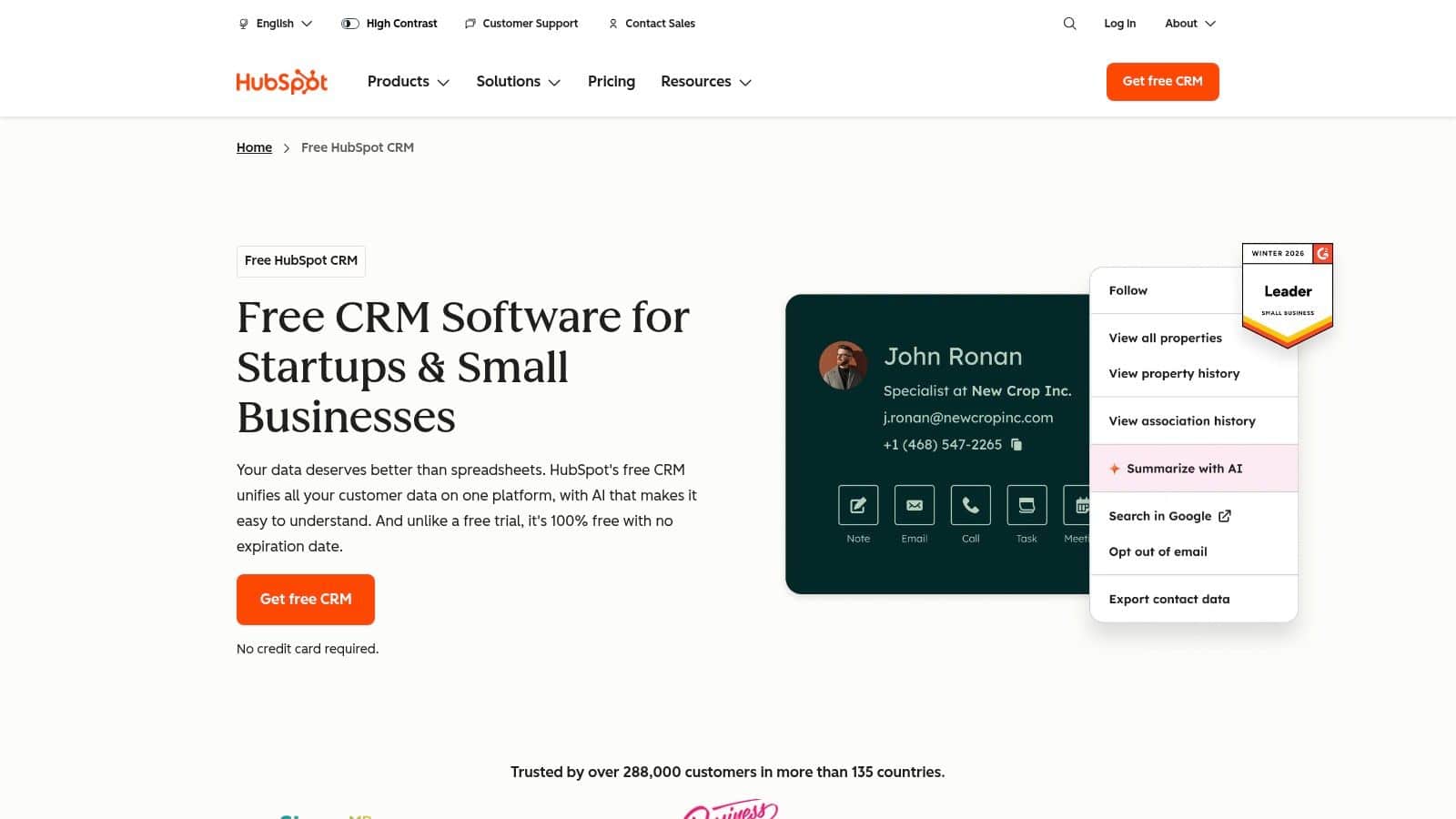
For a local service business, this means you can immediately organize leads from your website forms, track them through a sales pipeline, and schedule follow-up calls without an initial investment. HubSpot excels with its native tools for email tracking, meeting scheduling, and live chat. These integrate directly into your contact records, providing a clear history of every interaction.
Key Strengths and Considerations
HubSpot's main advantage is its scalability. As your needs become more complex, you can activate its paid Marketing, Sales, or Service Hubs. This structured growth path avoids the disruption of migrating to a new system. However, the costs for these paid tiers can increase significantly as you add users or contacts. Advanced reporting and automation features are also gated behind the more expensive plans. For a business just beginning to organize its sales process, the free tools provide immediate value.
- Best For: Service businesses wanting a polished, free starting point with a clear upgrade path.
- Pricing: Core CRM is free. Paid "Hub" bundles start at around $30 per month.
- Website: https://www.hubspot.com/products/crm
3. Salesforce Starter Suite (Small Business)
For many, Salesforce is associated with enterprise-level complexity and cost. However, the Salesforce Starter Suite offers a curated entry point into its powerful ecosystem, making it a viable option for small businesses with serious growth ambitions. This bundle combines essential sales, service, and basic marketing tools into a single, more approachable package. It is designed to provide a structured foundation without the overwhelming scope of the full platform.
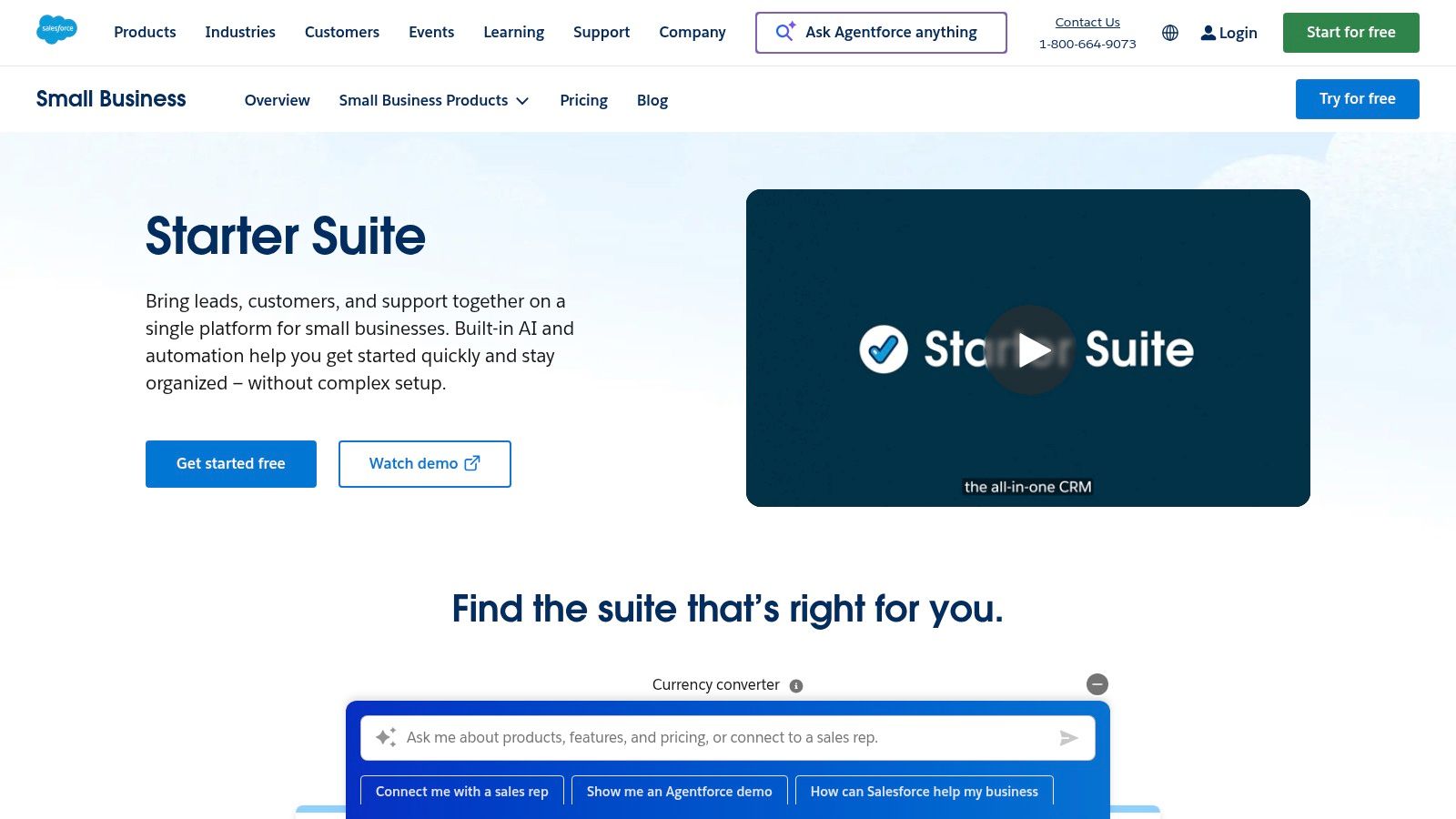
A specialty contractor can use the Starter Suite to manage leads, track opportunities from bid to completion, and handle post-project service cases. The platform's guided onboarding helps new users get acquainted with managing contacts and sales stages. With built-in Slack connectivity and simplified email marketing, it helps unify communication and outreach. This makes it a contender for the best crm for small business teams needing a robust, scalable solution.
Key Strengths and Considerations
Salesforce's primary advantage is its immense long-term scalability. Starting with the Starter Suite means you are building on a platform that can grow with you indefinitely. The robust security and access to the massive AppExchange marketplace are significant benefits. However, even this "starter" version can feel more complex than its lighter competitors. The true cost can also rise quickly as you require add-ons or decide to upgrade to more feature-rich editions.
- Best For: Growing businesses that anticipate needing enterprise-grade features and security in the future.
- Pricing: The Starter Suite is priced per user, starting at around $25 per user, per month.
- Website: https://www.salesforce.com/small-business/starter/
4. Zoho CRM
Zoho CRM delivers an immense amount of functionality for its price. It is a powerful choice for small businesses that require flexibility and deep customization without a prohibitive initial cost. It acts as the central hub in the expansive Zoho ecosystem, which includes dozens of integrated business applications. This modular design makes it a strong candidate for the best CRM for small business owners who want a single, connected software environment.
For a home services company, this means you can build custom modules to track specific job details and create automated workflows to send appointment reminders. You can even integrate with Zoho Books for seamless invoicing. Zoho’s multichannel tools are a key strength, allowing you to manage interactions from phone calls, emails, social media, and live chat within a single contact record. This provides a unified view of the customer journey.
Key Strengths and Considerations
Zoho’s primary advantage is its exceptional value. The platform offers features like sales forecasting and process automation at price points significantly lower than many competitors. The ability to add other Zoho apps creates a tightly integrated system. However, this power comes with a steeper learning curve. Realizing the full potential of its customization requires time and technical comfort. The user interface, though functional, can also feel less modern than more polished alternatives.
- Best For: Businesses needing a highly customizable, all-in-one platform at a budget-friendly price.
- Pricing: Free for up to 3 users. Paid plans start around $14 per user, per month.
- Website: https://www.zoho.com/crm/
5. Pipedrive
Pipedrive is built around a single concept: sales pipeline visibility. It strips away much of the complexity found in broader platforms to deliver one of the best CRM for small business teams that live by their deal flow. Its design is deliberately simple and sales-rep-friendly. This makes it an excellent choice for businesses that need clear, moment-to-moment insight into every stage from initial contact to a closed deal.
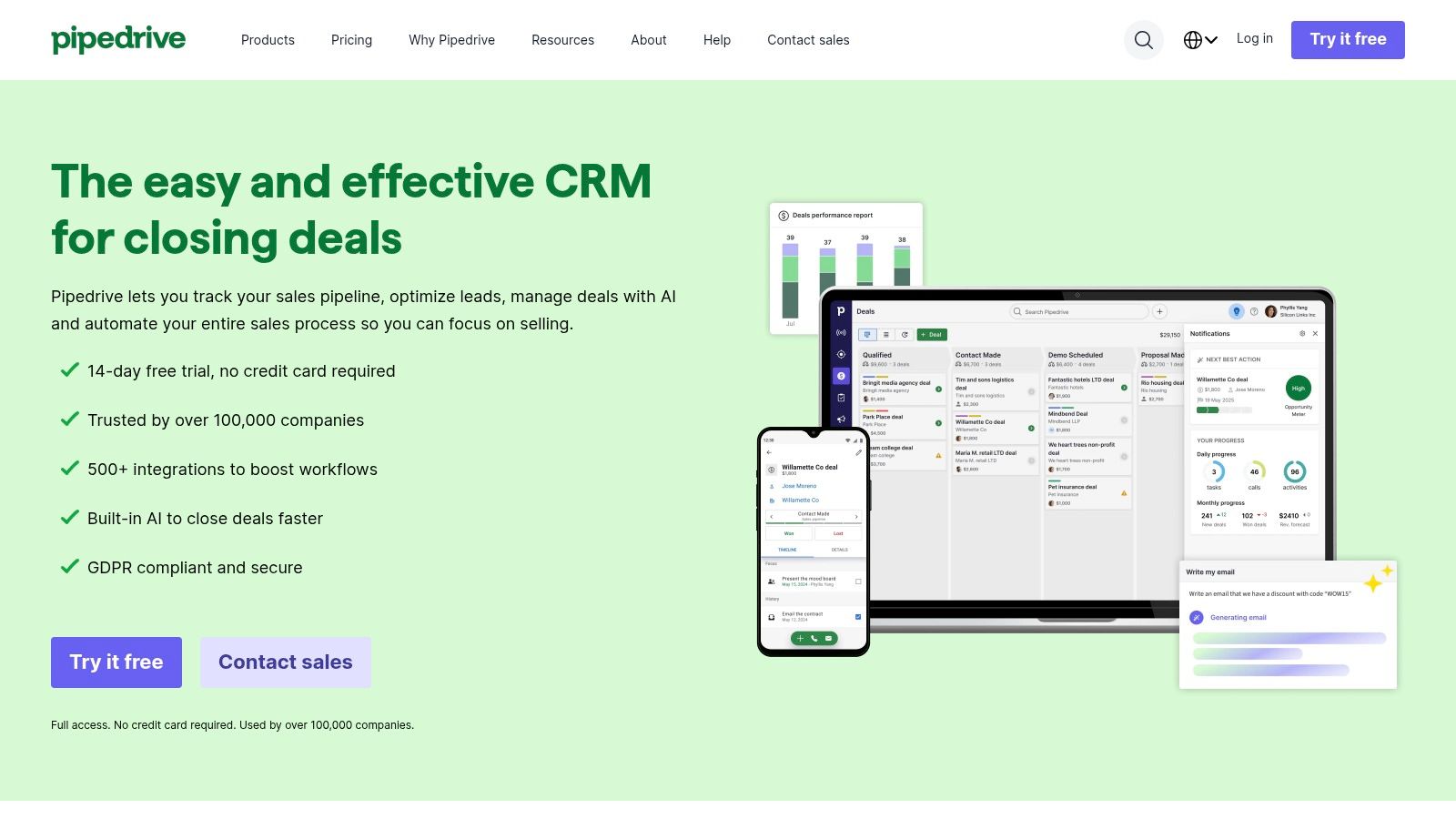
For a specialty contractor, the visual, drag-and-drop pipeline is immediately intuitive. You can see exactly how many prospects are in the "Initial Consultation" phase versus the "Quote Sent" phase, helping you forecast revenue and identify bottlenecks. The system's AI-assisted reporting can highlight deals at risk of stalling, prompting your team to follow up. With robust email sync and meeting scheduling, every critical sales activity is logged automatically.
Key Strengths and Considerations
Pipedrive's core advantage is its rapid implementation and high user adoption. Sales teams require minimal training, which translates to faster ROI. However, its focus on sales means its native marketing automation capabilities are lighter than all-in-one platforms. More advanced features require optional add-ons like LeadBooster or Campaigns, which adds to the total cost. Sophisticated analytics are also reserved for the higher-priced tiers.
- Best For: Sales-focused businesses that need a fast, visual tool to manage deal flow.
- Pricing: Plans start at $14.90 per user per month. Add-ons are priced separately.
- Website: https://www.pipedrive.com/
6. Keap
Keap targets a specific gap in the market, combining CRM functionalities with robust marketing and sales automation from the outset. It is built for service-based entrepreneurs who recognize that manual follow-up is a significant bottleneck. Instead of merely storing contacts, Keap is engineered to actively engage them through automated sequences for lead nurturing, appointment reminders, and even payment collection, making it a strong candidate for the best CRM for small business owners seeking an all-in-one system.
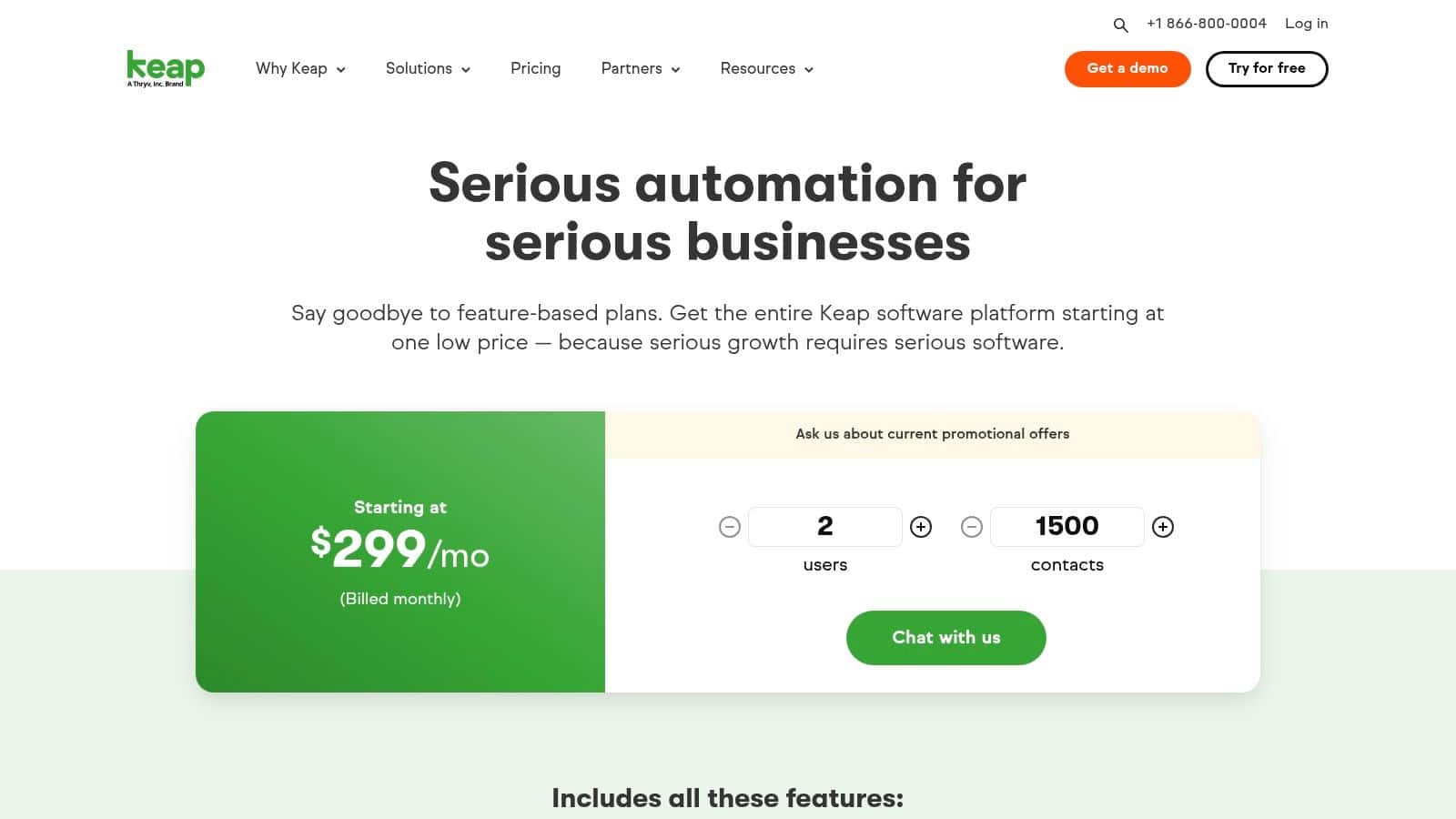
For a local service provider, this means building a system where a new web lead automatically receives a text message and a follow-up email sequence. The platform's visual automation builder allows you to map out these customer journeys with simple drag-and-drop logic. Keap also integrates native invoicing and payments, which simplifies the process of sending quotes and getting paid directly within the same interface.
Key Strengths and Considerations
The primary advantage of Keap is its focus on automation and integrated commerce. The platform provides pre-built "playbooks" that give a business a head start on creating effective funnels. This consolidation means less time spent managing separate software. However, Keap's power comes with a required implementation cost. A one-time onboarding fee is mandatory, which adds to the initial investment. Furthermore, pricing scales with the number of contacts and users.
- Best For: Service businesses that want to automate lead follow-up, quoting, and invoicing in a single system.
- Pricing: Plans start at around $159 per month, plus a required one-time onboarding fee.
- Website: https://keap.com/pricing
7. Freshsales (Freshworks)
Freshsales positions itself as an all-in-one sales CRM for teams that prioritize direct communication. Instead of bundling communication tools as expensive add-ons, Freshworks integrates telephony, chat, and email campaigns directly into its platform. This makes it a noteworthy option for service businesses whose sales process depends on making calls and sending quotes without switching between multiple apps.
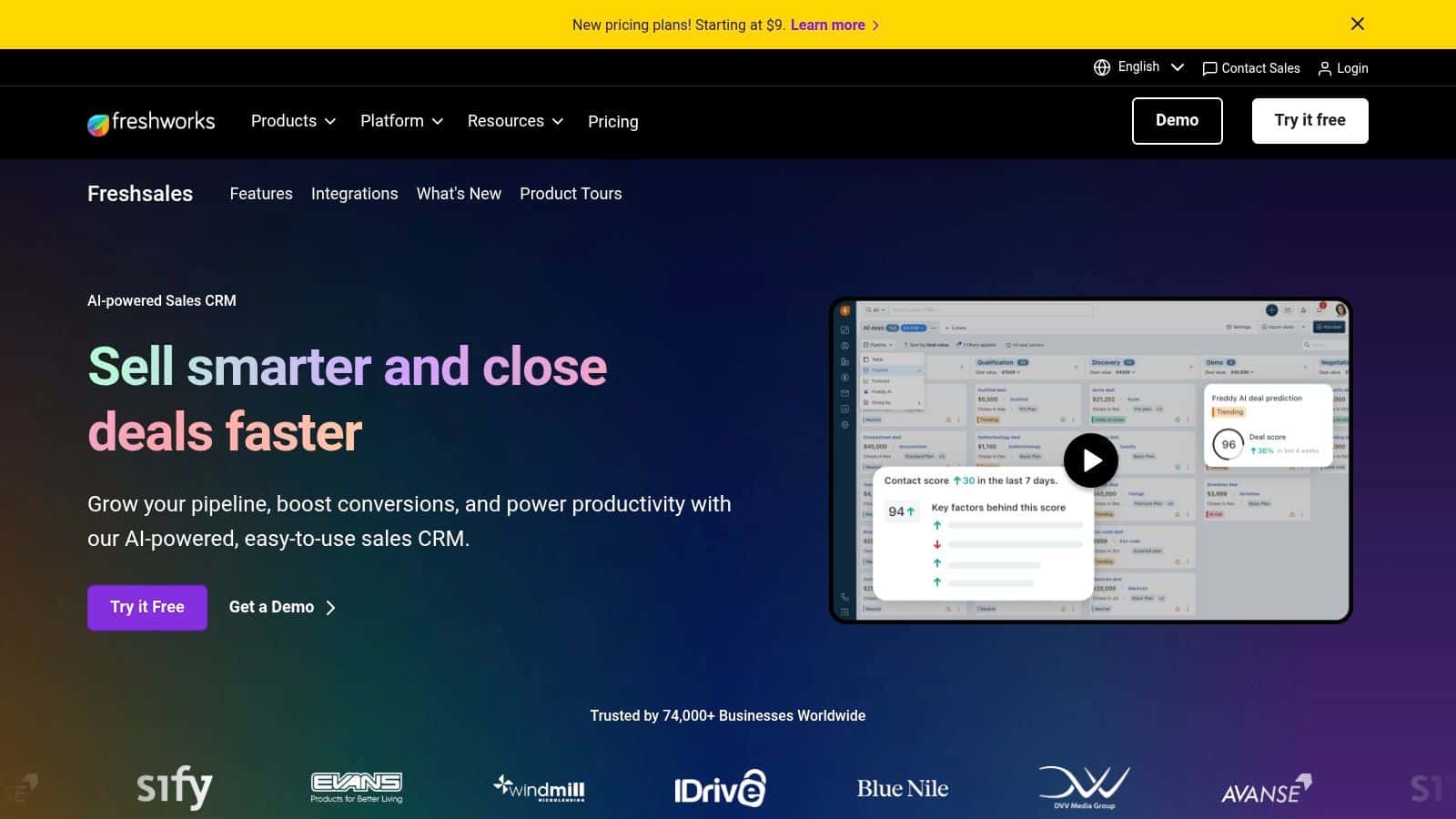
For a home service provider, your team can manage leads, make calls directly from the contact record, and automate email follow-ups from one screen. The introduction of its Freddy AI assistant helps score leads based on engagement, suggesting which prospects are warm and ready for a call. This focus on practical, communication-centric features makes it a solid choice for the best CRM for small business owners who need immediate sales productivity tools.
Key Strengths and Considerations
The primary advantage of Freshsales is its strong value proposition, particularly for teams that rely on phone sales. The built-in phone system provides an affordable path to call logging and recording. The free plan is also generous. However, its marketing automation capabilities are less robust than competitors like HubSpot. The integration ecosystem is also smaller, which could be a factor for businesses dependent on niche third-party software.
- Best For: Sales-focused teams needing strong, native call and email features at a competitive price.
- Pricing: Free plan available for up to 3 users. Paid plans start around $15 per user/month.
- Website: https://www.freshworks.com/crm/
8. monday sales CRM
For businesses where the sales process flows directly into project execution, like contractors or creative agencies, monday sales CRM offers a compelling solution. It is built upon the highly visual and flexible monday.com Work OS. The platform is designed to unify sales pipelines with project management, giving teams a single source of truth from the initial lead to final project delivery.
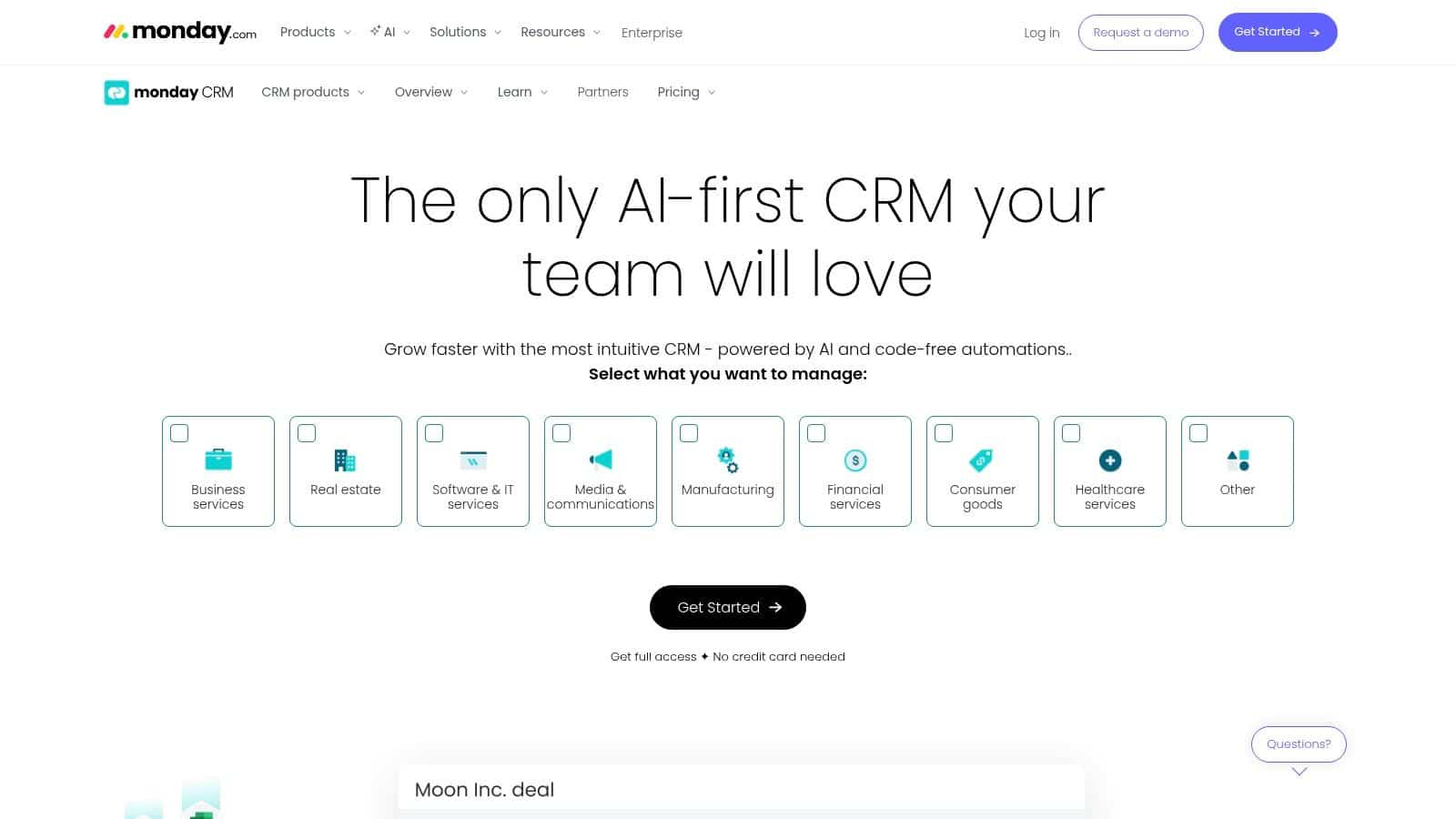
The system’s power lies in its customizable boards and automation recipes. A home remodeler can move a deal from “Quote Sent” to “Won,” which automatically creates a new project board, assigns tasks, and sets deadlines. This visual workflow eliminates the communication gaps that often occur between sales and operations teams. This makes it a solid choice as one of the best CRM for small business environments that require tight coordination.
Key Strengths and Considerations
The primary strength of monday sales CRM is its flexibility for mixed-use cases. You are not just buying a sales tool; you are getting a platform that can manage marketing campaigns and complex service delivery in one place. Its bright, intuitive interface provides excellent cross-team visibility. However, this flexibility means it often requires a more involved initial setup. The pricing structure is also based on "seat buckets," frequently requiring a minimum purchase of three seats.
- Best For: Contractors, agencies, and businesses managing sales and project fulfillment in one system.
- Pricing: Plans with CRM features start at around $30 per month, billed annually for a minimum of 3 users.
- Website: https://monday.com/crm
9. Copper
For small businesses that run their entire operation within Google Workspace, Copper presents a compelling case by embedding CRM functions directly into the tools you already use. It is built on the premise that context switching kills productivity. Copper solves this by living inside your Gmail inbox, allowing you to manage leads and update sales pipelines without ever leaving the screen. This makes it a strong contender for the best CRM for small business teams seeking simplicity.
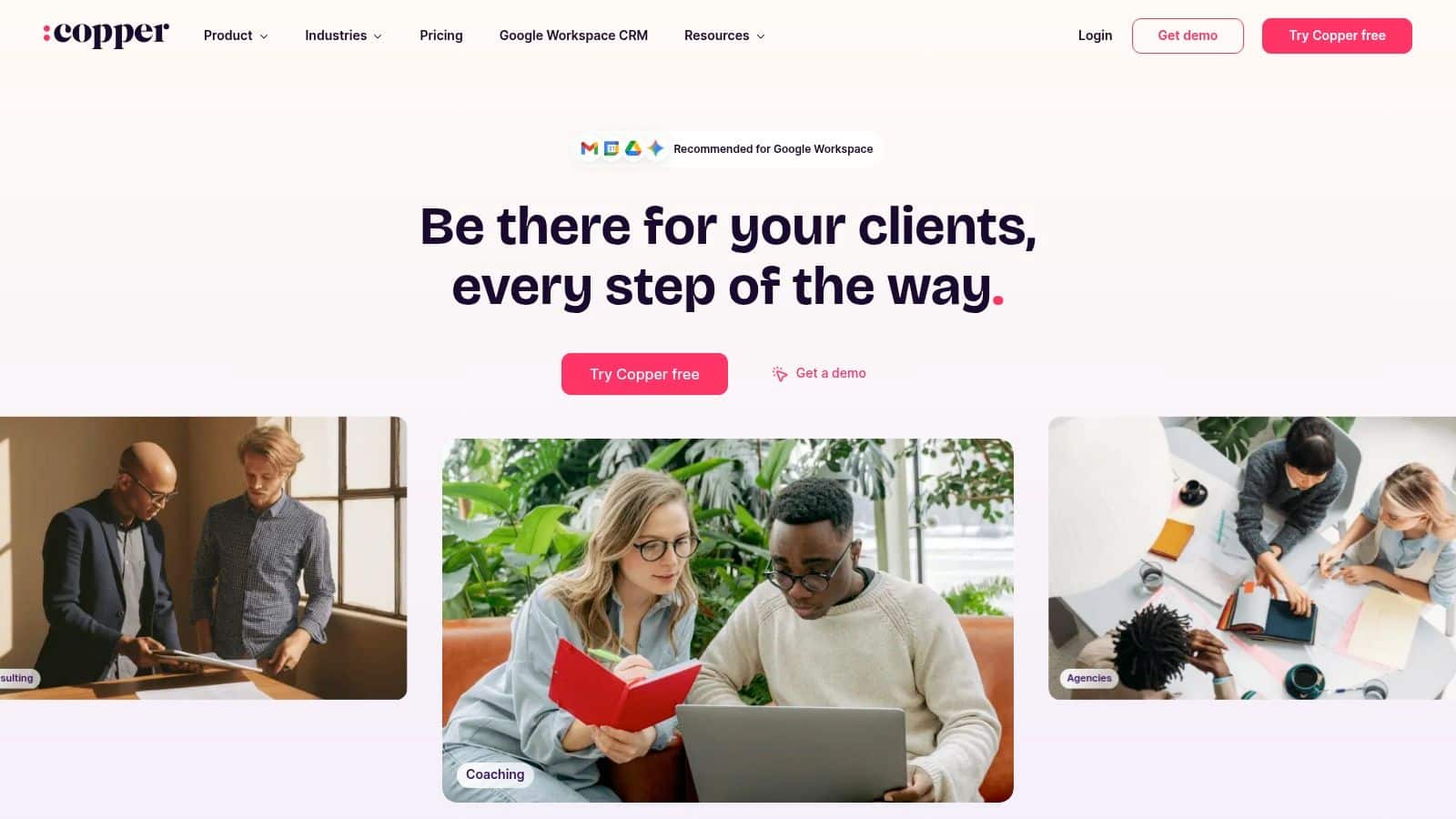
Imagine a contractor receiving a new lead inquiry in Gmail. With Copper’s sidebar, they can instantly create a contact record, which automatically populates with available public data, and add the lead to a pipeline stage. Follow-up tasks can be linked directly to Google Calendar. This tight integration with the Google ecosystem is its defining feature, making CRM adoption feel natural rather than like learning a new system.
Key Strengths and Considerations
Copper’s primary advantage is its seamless integration with Gmail and Google Workspace, which dramatically reduces the learning curve. The user interface is clean and intuitive. On the other hand, its reliance on the Google ecosystem is also its main limitation. If your business uses Microsoft 365, Copper loses its core value proposition. The lower-priced tiers also come with strict contact limits, which can be a problem for businesses focused on high-volume lead generation.
- Best For: Service businesses and teams that operate exclusively within Google Workspace.
- Pricing: Plans start at $29 per user/month, with contact and feature limitations on lower tiers.
- Website: https://www.copper.com/
10. Close
Close is engineered for sales velocity, making it a powerful choice for businesses whose primary bottleneck is the speed and volume of outreach. It merges a CRM directly with communication tools, building its workflow around built-in calling, SMS, and email. For a business that relies on a phone-heavy sales process, such as a contractor following up on inbound leads, this integrated approach is extremely efficient. It eliminates the need to juggle separate dialer software and contact databases.
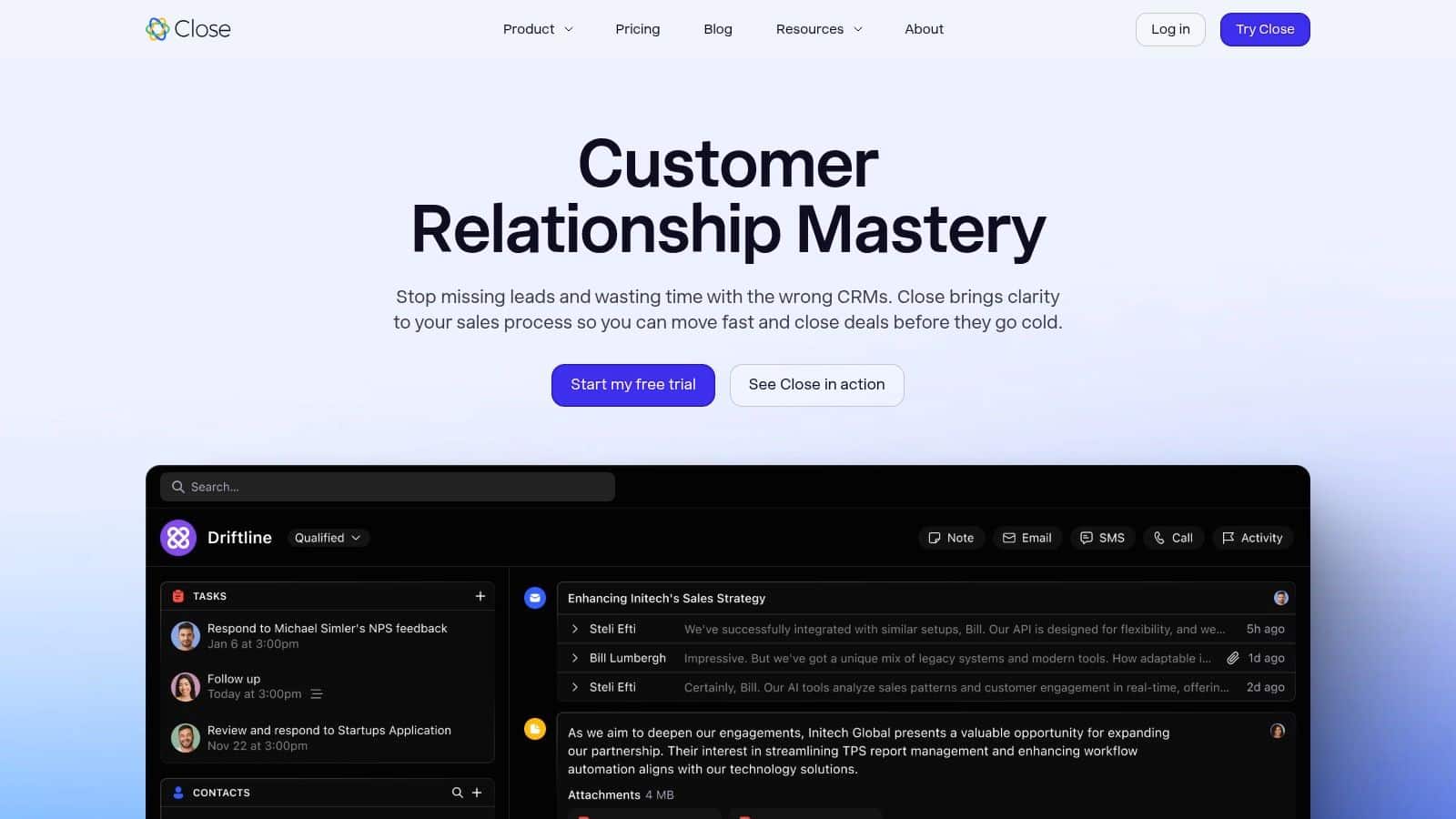
The platform is designed to minimize clicks and maximize action. You can call or text contacts directly from their record, and its Power Dialer can automatically work through a list of leads, saving immense time. Automated workflows and an AI email assistant help standardize follow-up sequences. This makes it one of the best CRM for small business teams focused squarely on outbound or rapid inbound response.
Key Strengths and Considerations
The primary advantage of Close is its unmatched focus on communication efficiency. The unified inbox and activity feed provide a clear, chronological view of every touchpoint. However, its specialization is also its main limitation. The marketing automation and customer service features are not as developed as those in all-in-one platforms like HubSpot. Costs can also escalate when adding the predictive dialer or growing your team.
- Best For: Sales-heavy businesses that need high-velocity calling and outreach capabilities.
- Pricing: Plans start at $29 per user per month, with dialer features in higher tiers.
- Website: https://www.close.com/
11. Nutshell
Nutshell is designed for small business teams who need more than just a contact list but are not ready for a complex enterprise system. It merges essential sales pipeline management with practical marketing tools, presenting a straightforward solution. Its strength lies in its simplicity and all-in-one approach, making it a viable candidate for the best CRM for small business owners who value ease of use and predictable costs.
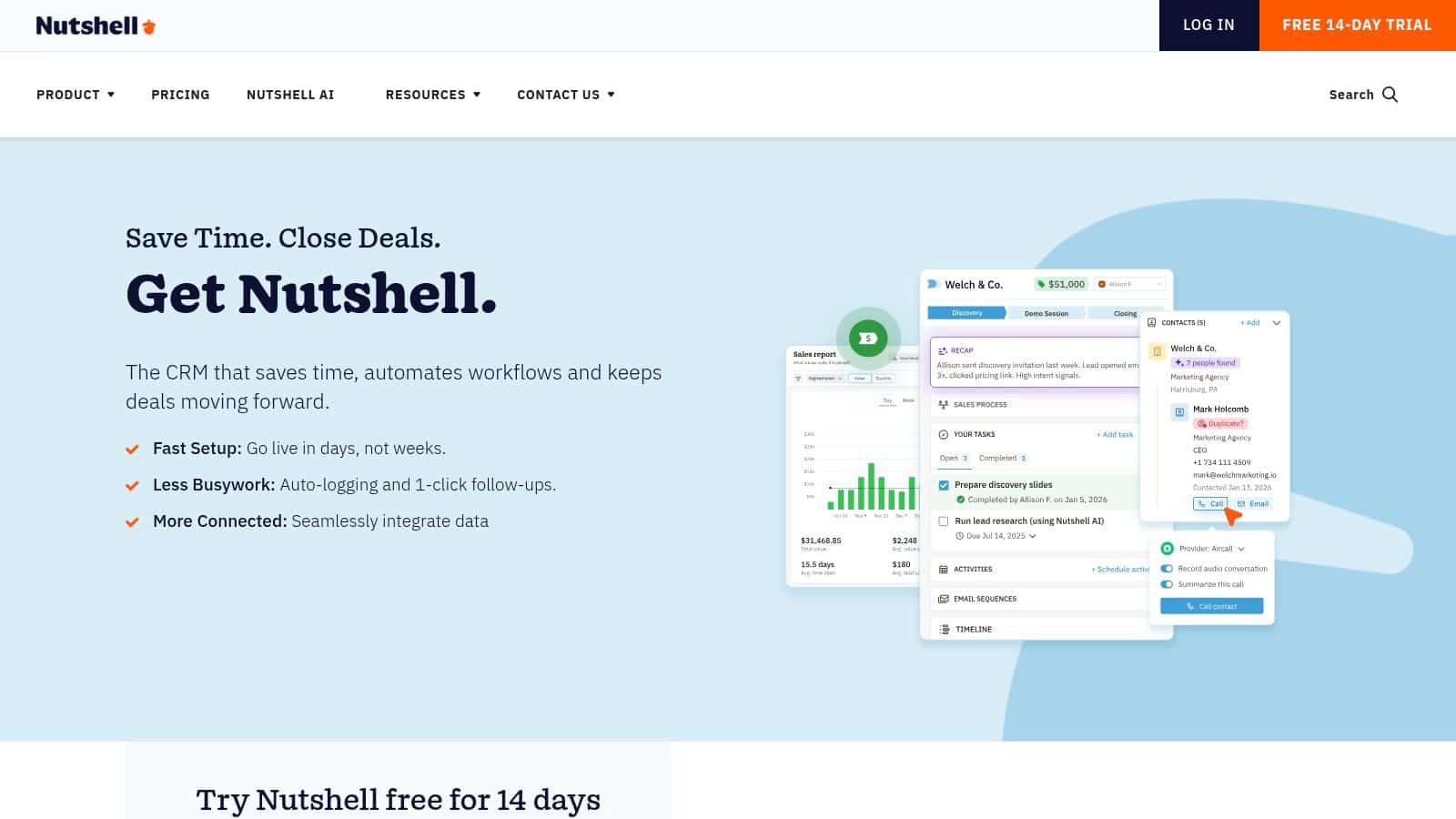
For a growing home service provider, Nutshell allows you to manage leads from web forms, an integrated chatbot, and phone calls all in one place. Every plan includes unlimited contacts and data storage, which removes the anxiety of hitting a ceiling as your client base expands. The inclusion of baseline email marketing and webchat means you can run small campaigns without subscribing to several different applications.
Key Strengths and Considerations
The primary advantage of Nutshell is its clear, no-nonsense pricing and feature set, coupled with widely praised live support. You get core sales functions plus light marketing capabilities in a single package. However, businesses with sophisticated marketing automation needs may find the built-in tools limiting. Deeper analytics are reserved for higher tiers. The platform's integration marketplace is also smaller than those of larger competitors.
- Best For: Small service teams wanting a simple sales CRM with built-in light marketing tools.
- Pricing: Plans start at $16 per user, per month, billed annually.
- Website: https://www.nutshell.com/
12. Less Annoying CRM
Less Annoying CRM delivers exactly what its name promises, stripping away the complex features and steep learning curves that often overwhelm small businesses. It is built on a foundation of simplicity, focusing exclusively on the core functions a local service business needs: managing contacts, tracking conversations, and visualizing a sales pipeline. This deliberate focus makes it a contender for the best CRM for small business owners who want something that just works.
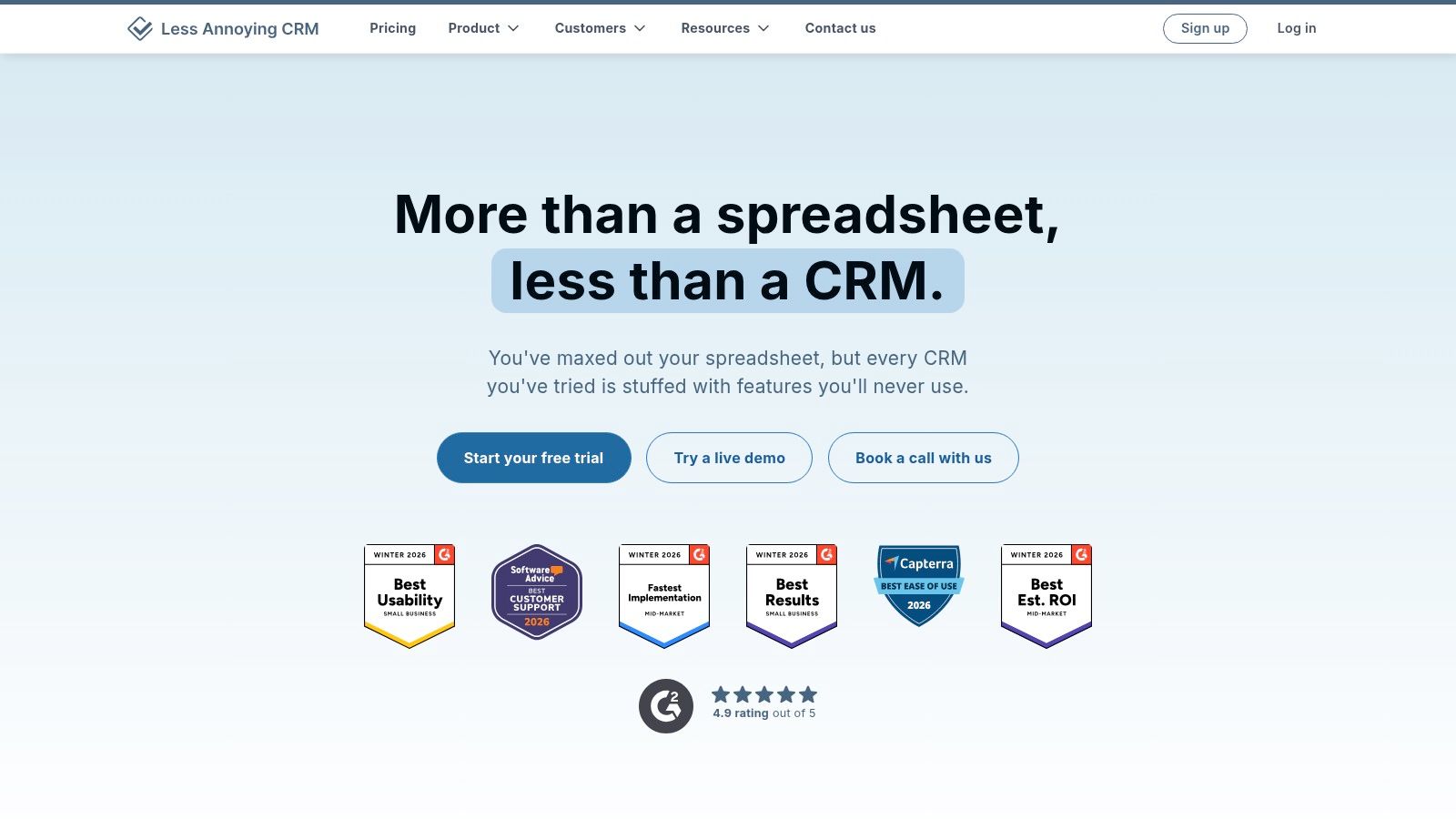
The platform is designed for teams that are not technically inclined. A roofer or plumber can quickly add a new lead, attach notes from a phone call, and set a follow-up task without getting lost in unnecessary menus. Every contact has a clear event feed, and the simple calendar and task management ensure that no lead falls through the cracks. It provides just enough structure to organize a sales process without forcing a rigid workflow on your team.
Key Strengths and Considerations
The most significant advantage of Less Annoying CRM is its simple, transparent pricing. There are no confusing tiers, add-on fees, or long-term contracts. This predictability is invaluable for businesses managing a tight budget. The trade-off for this simplicity is a lack of advanced functionality. You will not find sophisticated marketing automation or deep analytics here. Businesses requiring integrated marketing tools will need to look elsewhere.
- Best For: Solo operators or small teams needing a straightforward, affordable contact and pipeline manager.
- Pricing: A single flat rate of $15 per user per month, with no contracts.
- Website: https://www.lessannoyingcrm.com/
Top 12 Small-Business CRMs: Features & Pricing
| Product | Core features | UX / Ease of use | Target audience | Unique selling point | Price point |
|---|---|---|---|---|---|
| A System for Digital Marketing for Local Businesses That Delivers Predictable Growth (City Web Company) | Agency-implemented CRM; local SEO & GBP; PPC/social/streaming TV; WordPress funnels; automated follow-ups; real-time tracking | Turnkey agency setup; low owner workload; requires CRM adoption | Local & regional service businesses, public sector, owners seeking hands-off growth | Integrated, agency-run stack + CRM for a predictable pipeline | Custom retainer + setup; ongoing investment |
| HubSpot CRM | Free CRM (contacts, deals, tasks); email tracking, chat, scheduling; hub integrations | Polished, easy to adopt; scales with growth | Small teams wanting simple start + upgrade path | Free to start with large app & partner ecosystem | Free tier; paid plans scale (can get expensive) |
| Salesforce Starter Suite (Small Business) | Leads, Accounts, Contacts, Opportunities; case mgmt; simple email marketing; Slack | Powerful but can feel complex; guided onboarding | SMBs planning enterprise-scale growth | Robust security, roles, and expansive ecosystem | Paid bundle; add-ons can raise total cost |
| Zoho CRM | Sales pipelines, automations & scoring; multichannel (email/telephony/chat); deep customization | Highly configurable but UI less polished; learning curve for complex setups | Budget-conscious businesses needing flexibility | Very competitive pricing + wide Zoho app suite | Low entry price; modular add-ons |
| Pipedrive | Visual pipelines; email sync; AI-assisted reporting; 500+ integrations | Fast to implement; sales-rep friendly | Sales teams needing clear lead-to-close visibility | Pipeline-first simplicity and quick adoption | Mid-priced; marketing features often add-ons |
| Keap | Visual automations; built-in payments & checkout; SMS/text marketing | SMB templates and playbooks; implementation package often required | Local service companies needing automation + commerce | Native invoicing/payments + SMS + automation in one | Mid; implementation fee; pricing scales with contacts |
| Freshsales (Freshworks) | Built-in phone, chat, email; multiple pipelines; Freddy AI for scoring & insights | Modern, affordable; free plan up to 3 users | Call-heavy teams wanting omnichannel + AI at low cost | Native communications + AI at competitive price | Competitive; free tier available |
| monday sales CRM | Custom boards & automations; dashboards; quotes/invoices on higher tiers | Very flexible visual UI; requires config time for full value | Agencies, contractors, mixed sales + fulfillment teams | Work OS flexibility for sales + project workflows | Seat-based pricing; plans often start at 3 seats |
| Copper | Deep Gmail & Calendar integration; pipelines; task automation; contact enrichment | Minimal context-switching for Google Workspace users; simple UI | Teams running on Gmail/Google Workspace | Gmail-native CRM for inbox-driven teams | Mid; contact limits on lower tiers |
| Close | Built-in calling (power/predictive), SMS, email; automated workflows; AI email assistant | Optimized for high-velocity outreach; quick activity tracking | Phone-heavy inbound/outbound sales teams | Integrated dialers + SMS for rapid outreach | Mid–high; dialer features increase cost |
| Nutshell | Unlimited contacts/accounts; webchat & AI chatbot; forms, landing pages, email | Clear plans, easy onboarding, helpful support | Small service teams wanting simple sales + light marketing | Small-team all-in-one toolkit with live support | Mid; transparent pricing |
| Less Annoying CRM | Contacts & pipeline tracking; tasks & calendar; simple reporting; phone/email support | Very simple, low learning curve; friendly support | Very small/local businesses wanting predictability | Flat, transparent pricing and minimal complexity | Low flat monthly fee |
Moving from Software Selection to Strategic Implementation
Choosing the right software is a critical decision, but it is only the first step. The true value of any system on this list is not found in its feature set alone. It is realized through disciplined implementation and its integration into your daily operations. A standalone CRM, disconnected from your lead sources, often becomes another expensive, underused subscription. The goal is to move beyond simply owning software and toward building a system for predictable growth.
The central takeaway is that the best CRM for your small business is the one that becomes the command center for your entire client acquisition process. It must seamlessly connect to how you generate leads, whether through Local SEO, Google Business Profile inquiries, or paid advertising. When a new lead is captured, the CRM should automate the initial follow-up, ensuring no opportunity is missed. This integration transforms a simple database into a dynamic asset for generating consistent revenue.
Key Factors for Successful CRM Implementation
Merely purchasing a subscription guarantees very little. A successful rollout requires a clear strategy. Before you commit, map out your plan for these key areas:
Process Alignment: Your chosen CRM should support your existing sales process, not force you into a new one. Document your current workflow and identify how the CRM will make each step more efficient. If you are a plumber, your process involves scheduling, dispatching, invoicing, and follow-up. The CRM must accommodate this specific sequence.
Data Migration and Hygiene: Moving your data from spreadsheets or old software is a significant task. This is the perfect opportunity to clean your data. Remove duplicates, update contact information, and standardize formatting. Starting with clean data will prevent headaches and ensure your reports are accurate.
Team Onboarding and Training: A CRM is only effective if your team uses it consistently. The system must be intuitive enough for your technicians, office managers, and sales staff to adopt. Plan for dedicated training that focuses on real-world scenarios, such as logging a call or updating a job status from the field.
Integration with Core Business Tools: A CRM should not operate in a silo. Its power is magnified when connected to other essential tools. Consider its ability to integrate with your website’s contact forms, your accounting software, and your marketing platforms like Google Ads. This creates a single source of truth for all client-related activities.
The Difference Between a Tool and a System
The platforms just reviewed are excellent tools. However, a local service business does not need another tool. It needs a reliable system that produces a predictable outcome: more qualified leads, more booked appointments, and more closed jobs. The difference is in the strategy.
A tool is a standalone piece of software like Zoho or Pipedrive. A system is what happens when that CRM is configured to automatically capture leads from your website, send an instant text and email confirmation, notify your sales team, and schedule follow-up tasks. It is the bridge between your marketing efforts and your sales results. The search for the best crm for small business ends when you shift your focus from features to function, from software to strategy.
The path from selecting a CRM to building a growth engine can be complex. The real challenge is not just choosing a platform but integrating it to create a cohesive system that drives measurable results. This is where City Web Company provides critical support. We do not just recommend software; we design and implement complete client acquisition systems for local businesses, with a purpose-built CRM at the core. If you are ready to build a predictable pipeline and move beyond disjointed marketing tactics, schedule a strategic consultation with our team.
These articles were popular with other readers too: